How to Use FitCircuitAI
This guide walks you through FitCircuitAI step-by-step: creating your account, setting up your profile, generating workouts, using the live coach, and managing Premium access. It's designed to be clear, practical, and easy to follow.
- Tap Sign In (top navigation → Account menu).
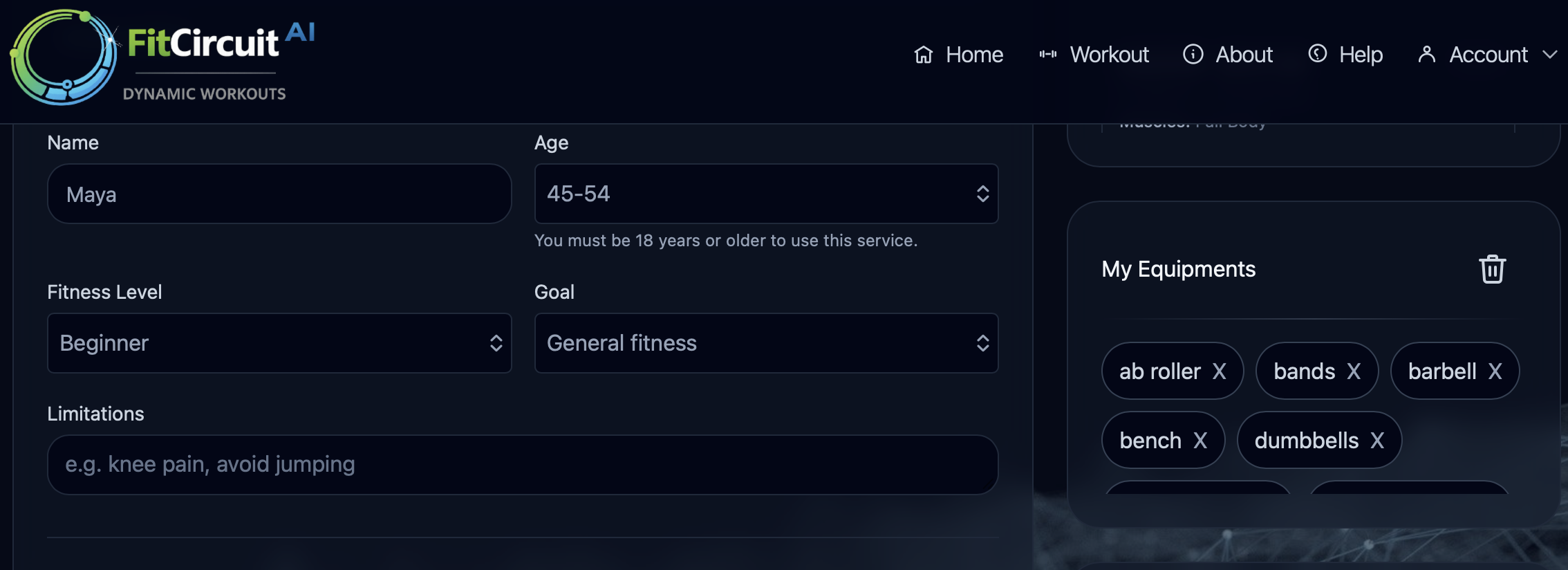
- Go to Profile and add your name, your fitness level, goals, equipment, and any limitations.
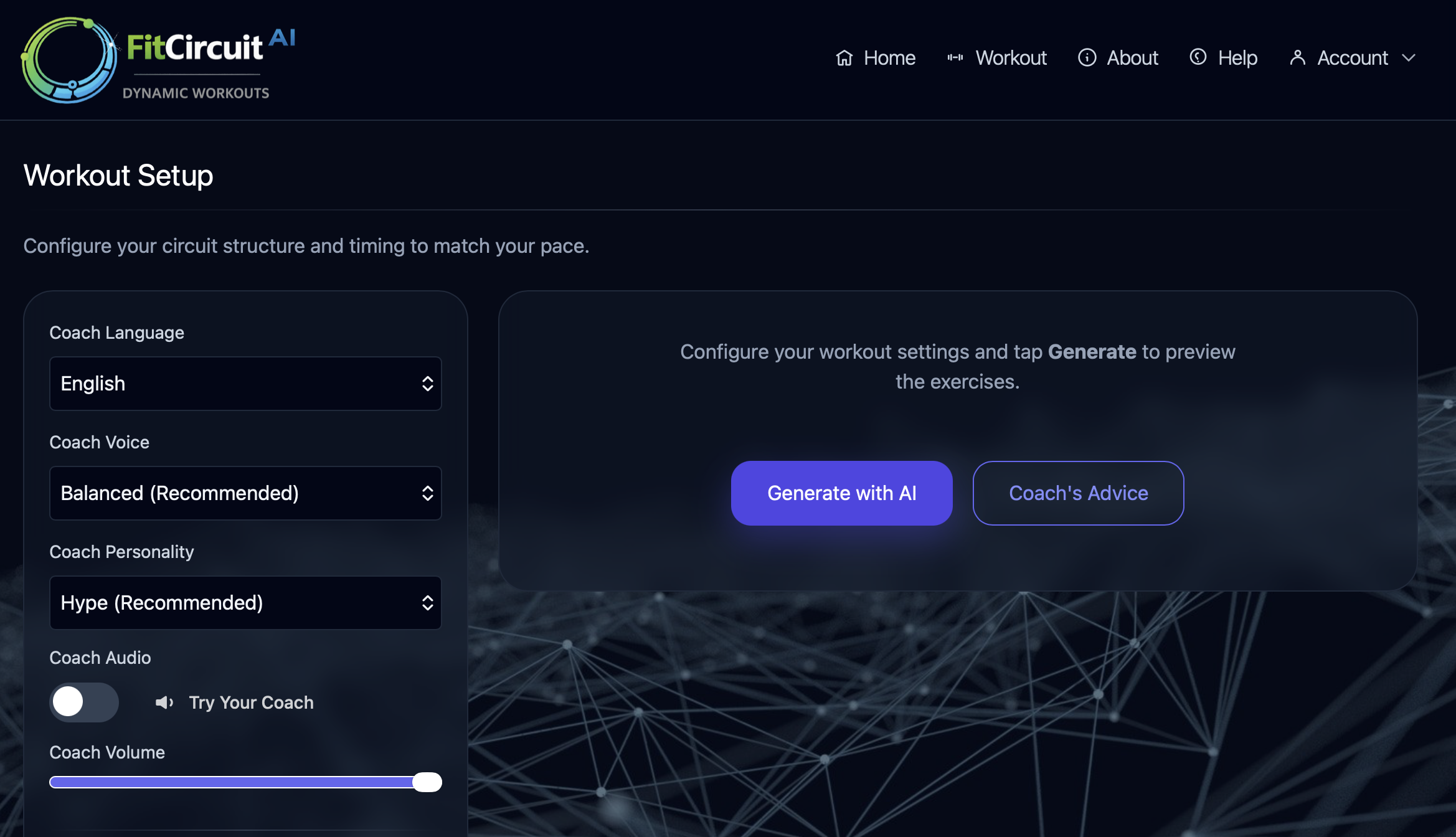
- Open Workout.
- Choose your preferences including the muscles you would like to work on, duration, stations, etc.
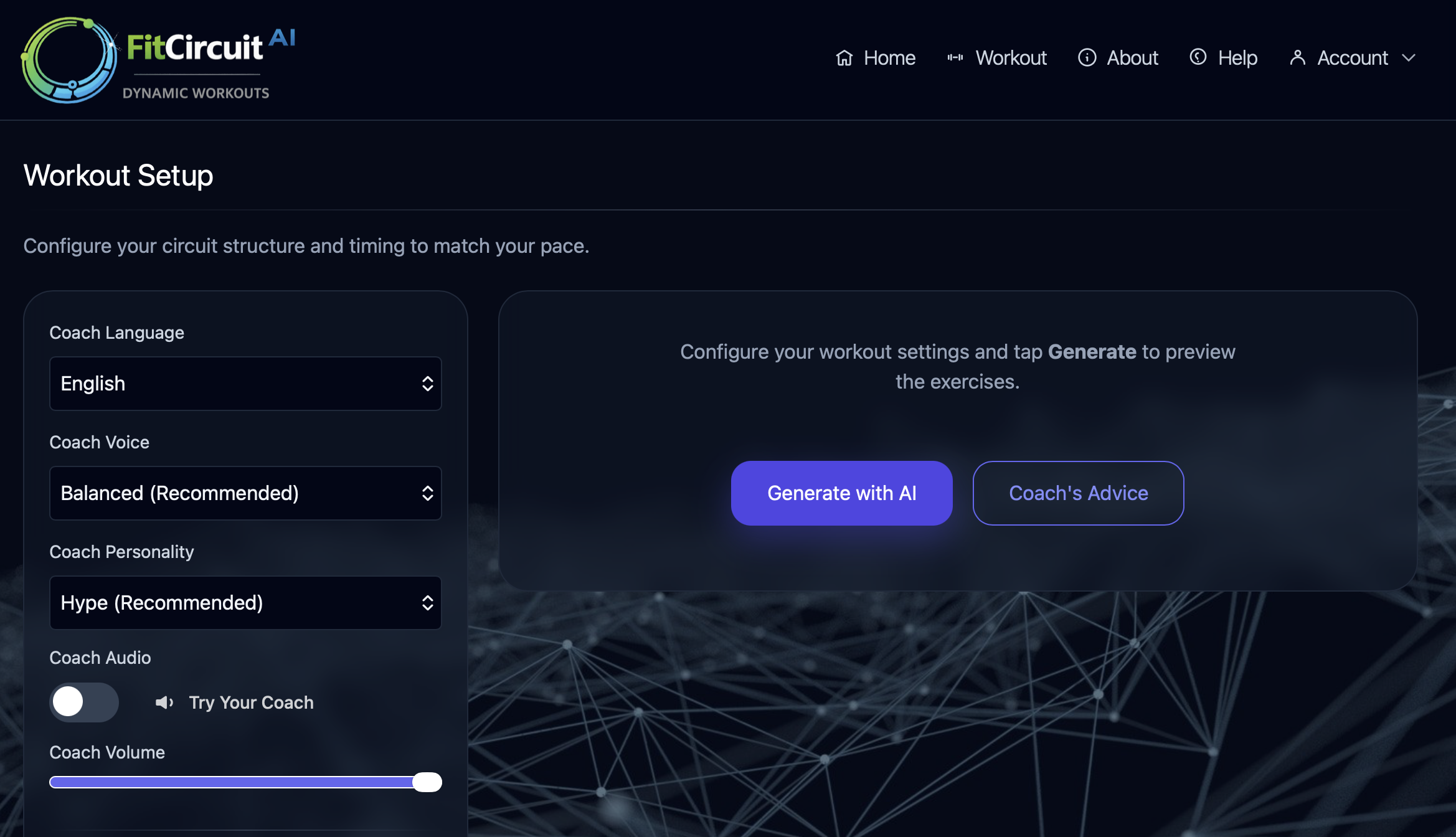
- Tap Generate with AI to create a workout session based on your personal preferences, or tap Coach's Advice to let your coach decide what you should work on next.
- Review the exercises and tap Start.
- Open the Account menu in the top navigation.
- Tap Sign In.
- Enter your email and follow the prompts.
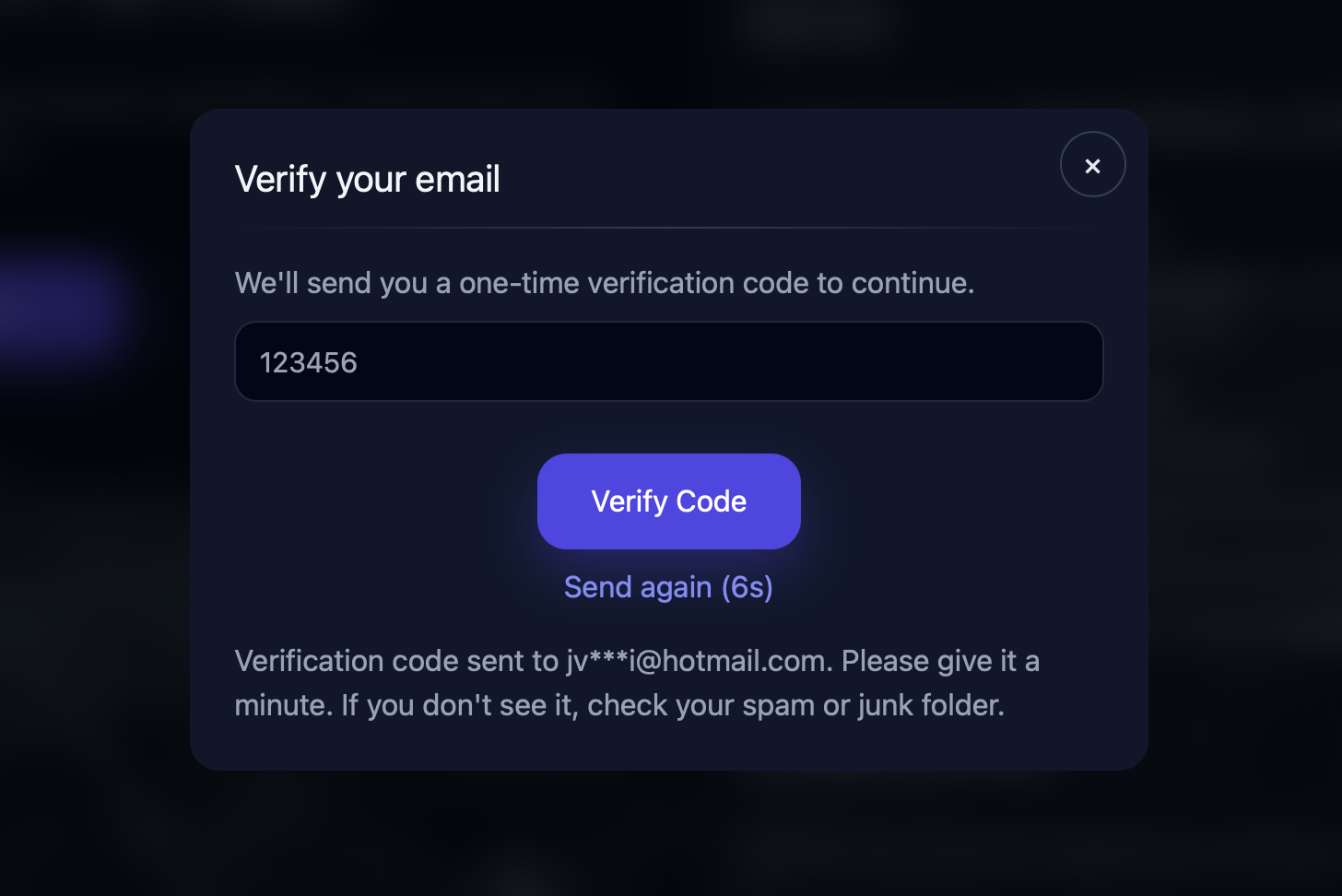
For security, FitCircuitAI may send a one-time verification code.
- Enter your email and tap Send Code.
- Check your inbox (and spam/junk) for a message containing a code.
- Enter the code and tap Verify Code.
- If you don't receive a code, wait 1-2 minutes and tap Send again.
- “Code not received”: check spam/junk; wait a minute; use “Send again”.
- Signed in but UI didn't update: refresh the page or close/reopen the app.
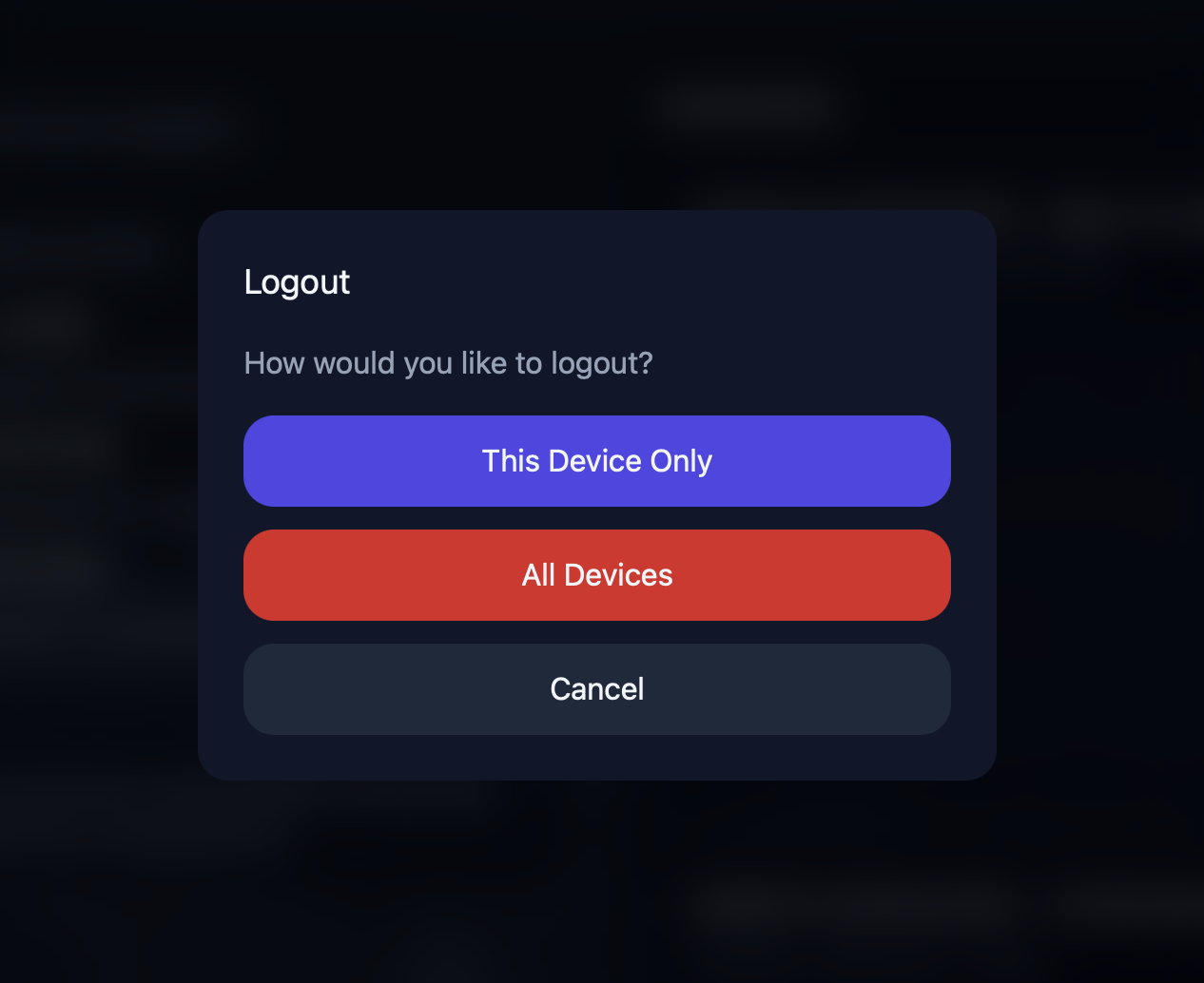
- Logged in on the wrong email: log out, then sign in with the correct email.
Your profile helps FitCircuitAI tailor workouts to your goals and constraints. The more accurate your profile, the safer and more relevant your workouts will be.
- Fitness level: controls intensity and progression.
- Goals: strength, fat loss, endurance, mobility, etc.
- Equipment: bodyweight, dumbbells, bands, treadmill, etc.
- Limitations: avoids unsafe movements (knees, shoulders, back, etc.).
- Open Account → Profile.
- Update your settings.
- Tap Save.
- Go back to Workout and tap Generate again.
You can generate workouts tailored to your profile and preferences.
- Go to Workout.
- Choose your preferences (muscles, duration, stations, ...).
- Tap Generate with AI to create a workout using your current settings.
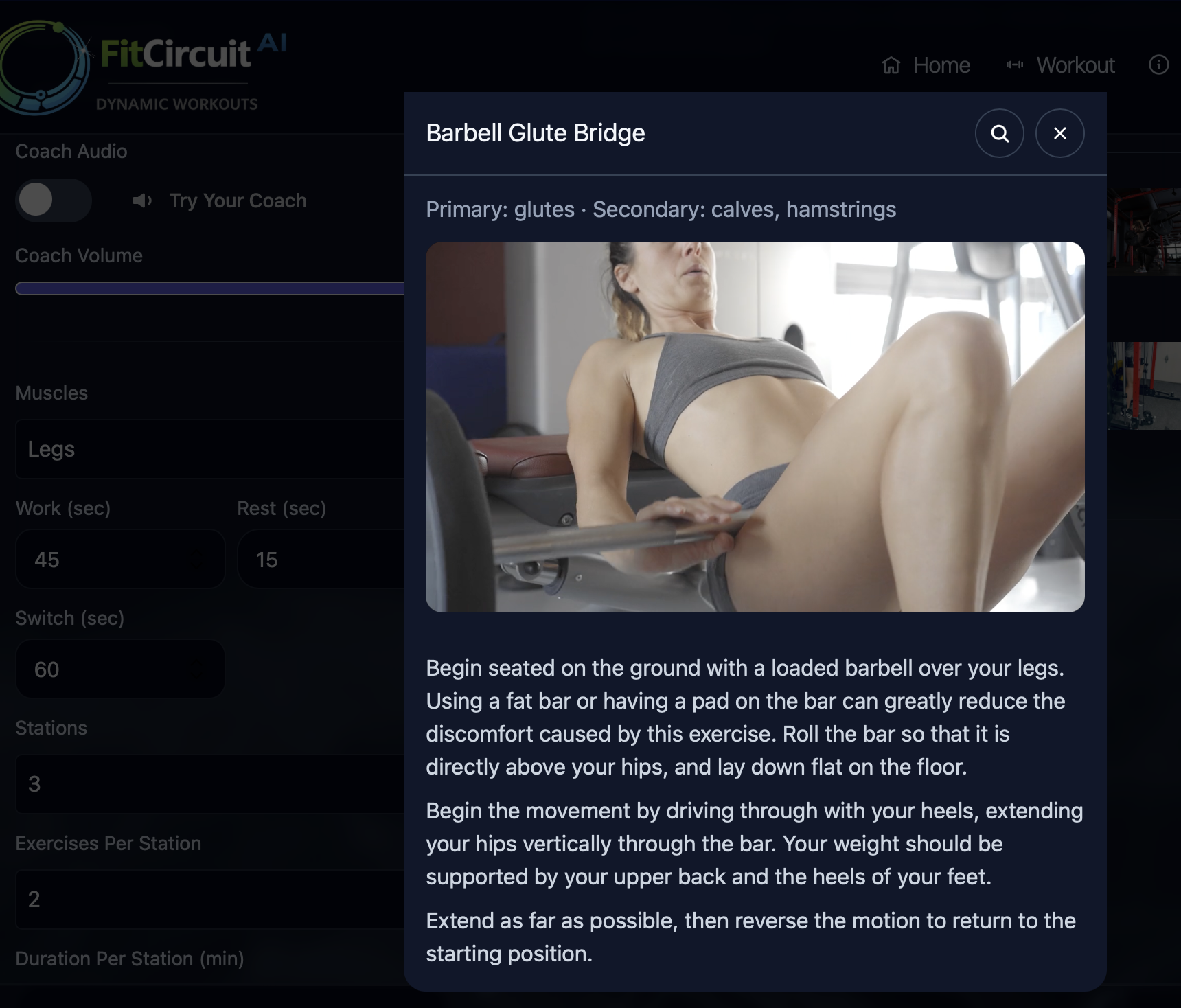
- Review the exercises.
- Tap Start.
If the workout doesn't feel right (too easy, too hard, or contains exercises you can't do), don't worry! Just update your profile with any new limitations or equipment, then generate again.
- Too easy: increase intensity, add time, add resistance/equipment.
- Too hard: reduce intensity, reduce time, choose bodyweight, add more rest.
- Wrong exercises: update limitations/equipment in Profile, then generate again.
Alternatively you can let coach's advice guide your progression. The coach will automatically adjust the difficulty based on your profile and workout history, so you can just focus on showing up and doing your best.
- Tap Coach's Advice to let the coach review your recent workouts + profile and generate a session that matches your pace and goal.
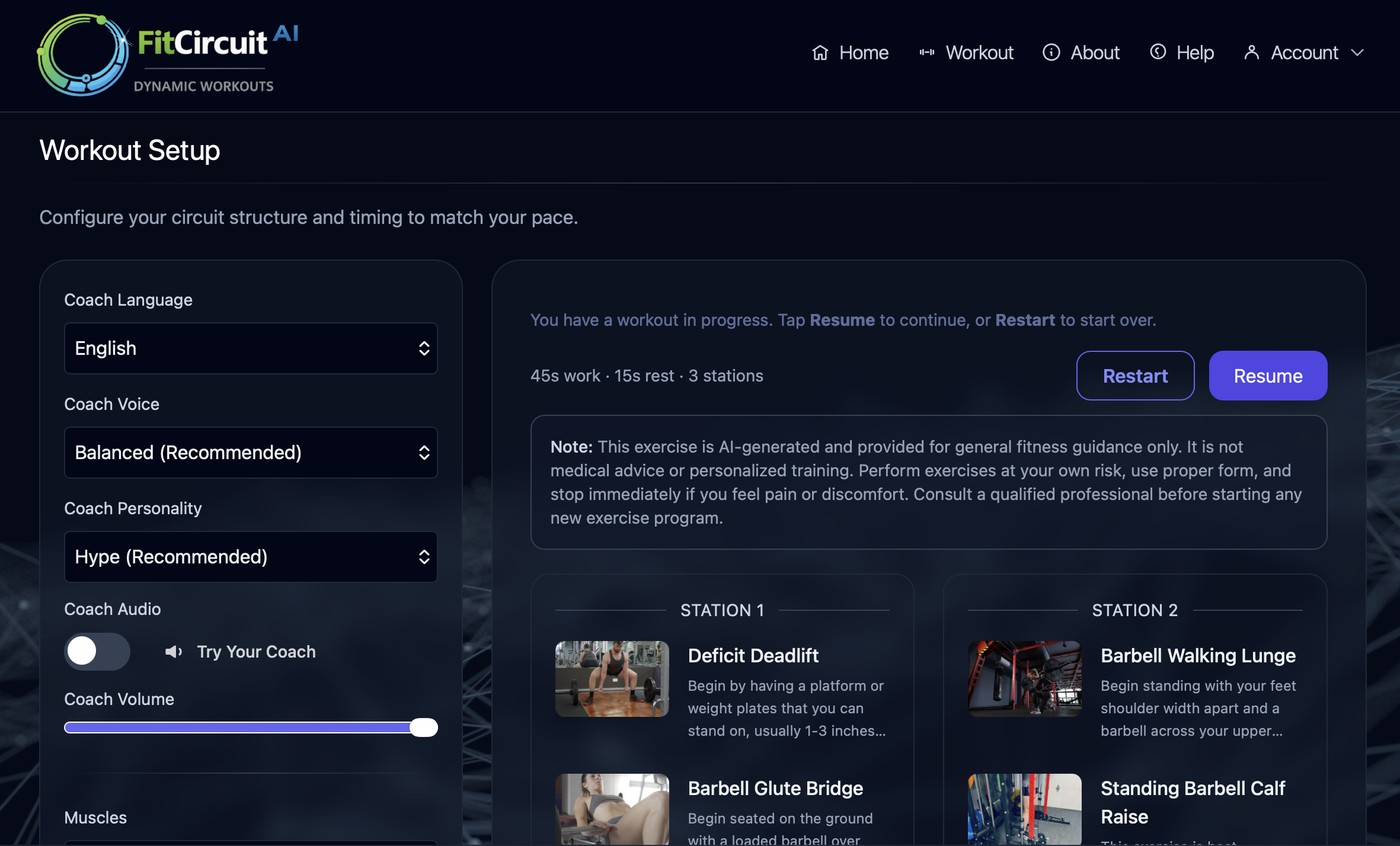
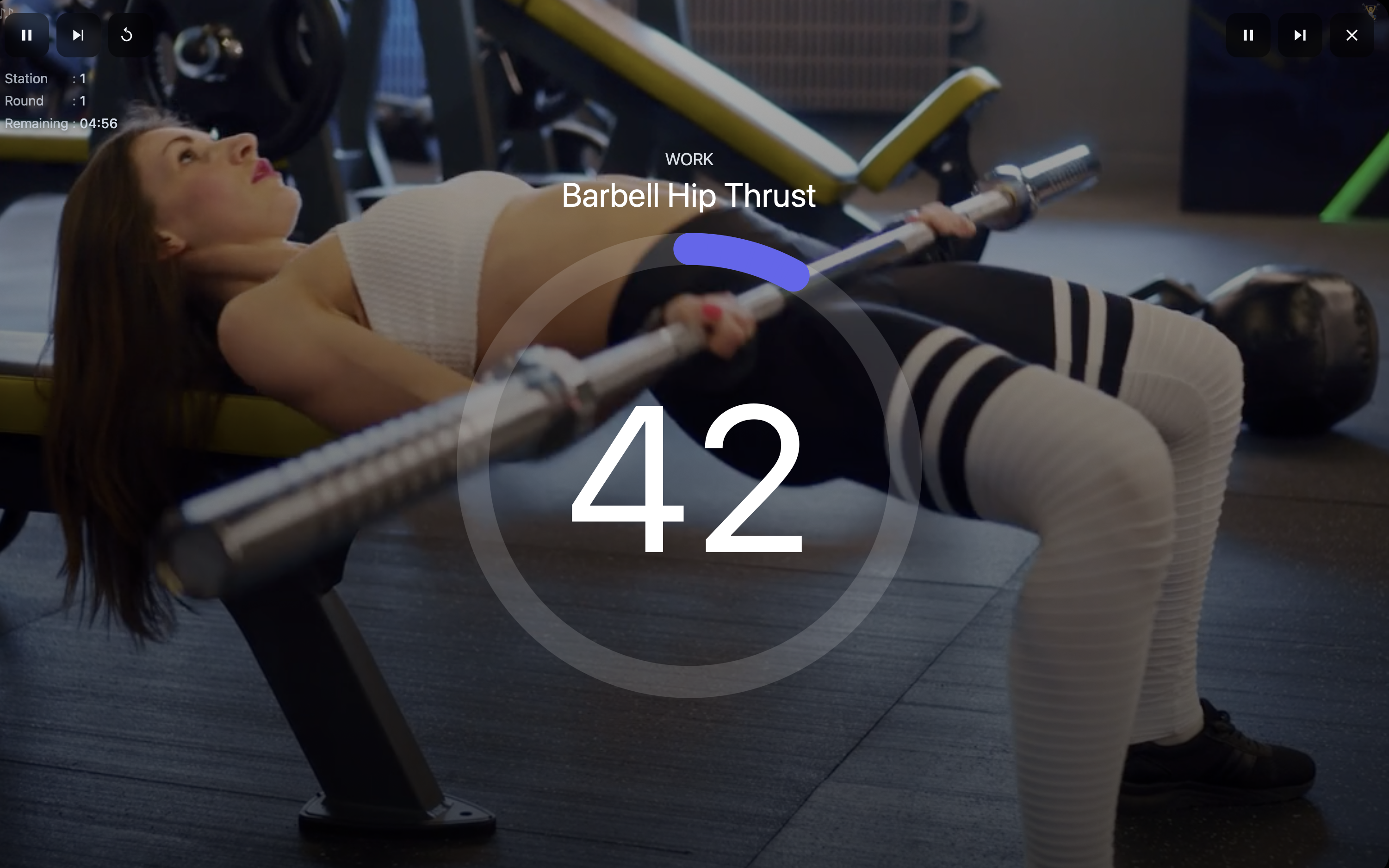
- Keeps time and guides you through the session flow (rounds → rest → next station).
- Shows the current exercise, phase, and remaining time.
- Lets you start, pause, skip to next, and exit.
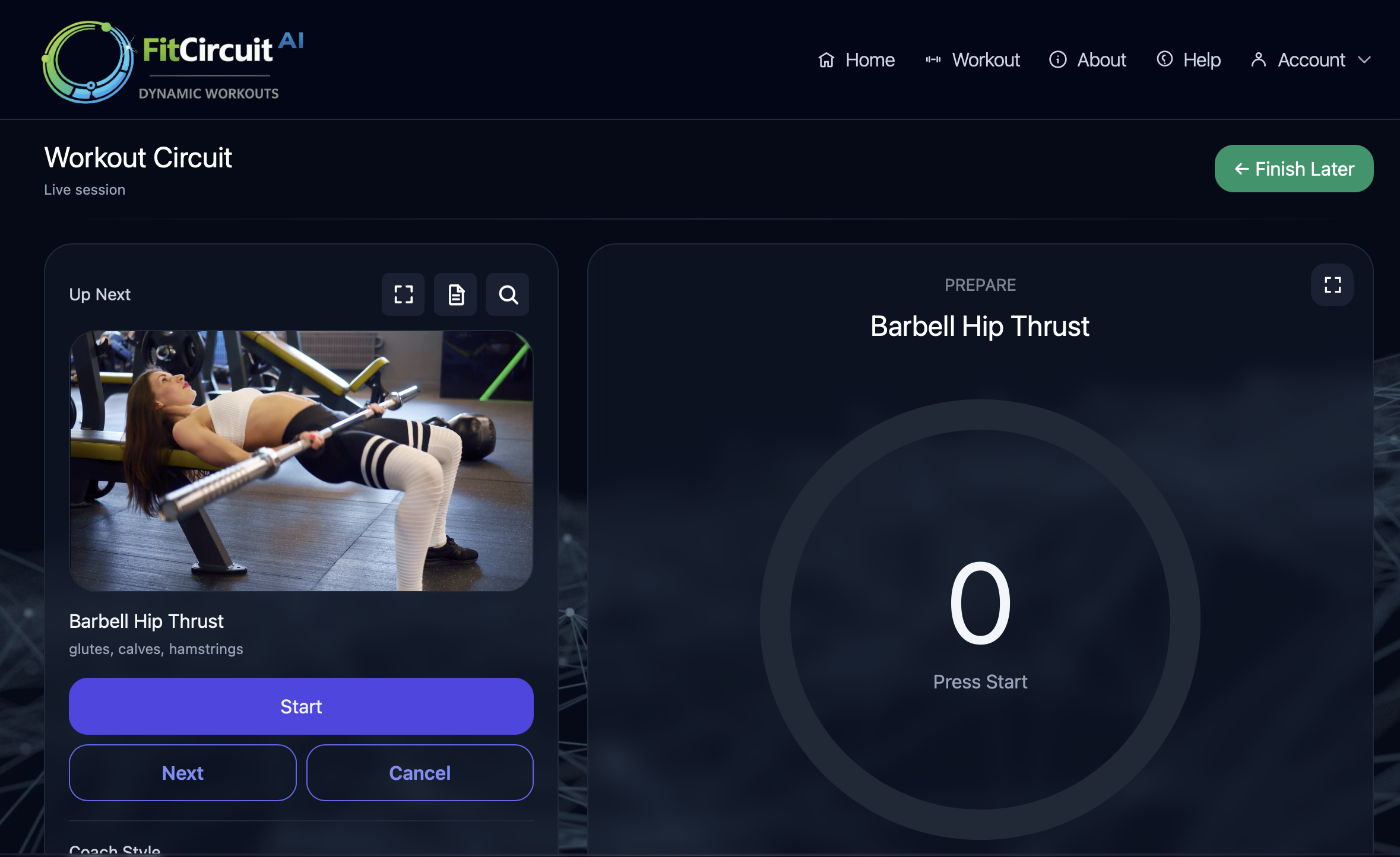
- Start / Resume: begins or continues the workout
- Pause: stops the timer temporarily
- Next: move to the next exercise/station (use sparingly)
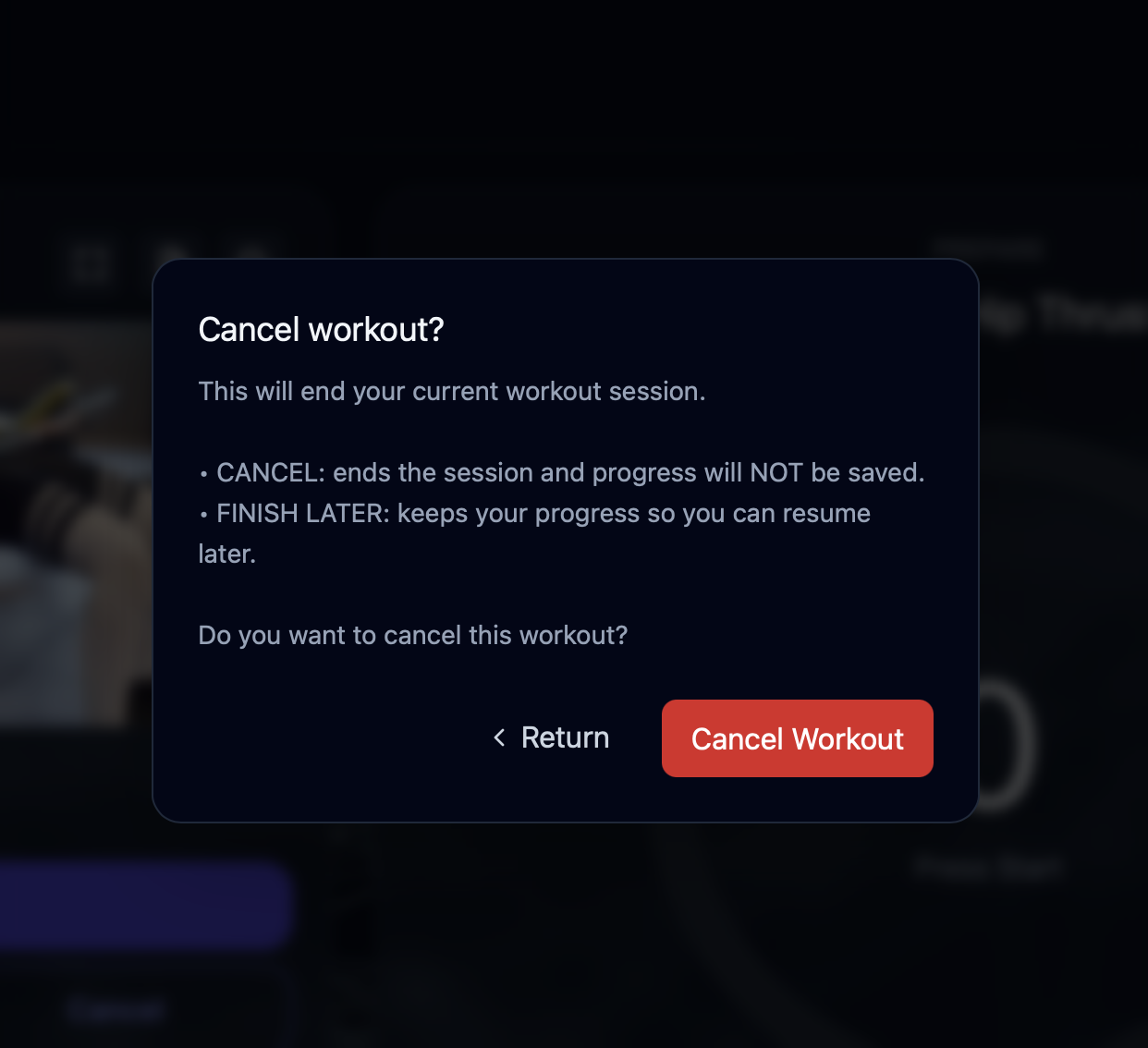
- Finish Later: ends the session. You can resume later.
- Cancel: terminates the session. You would need to generate a new session.
- Go to Plans (Account → Plans).
- Select a plan (example: 7-day, 30-day, 365-day access).
- Tap Purchase.
- Confirm using the platform purchase sheet.
- Return to the app; access should unlock automatically.
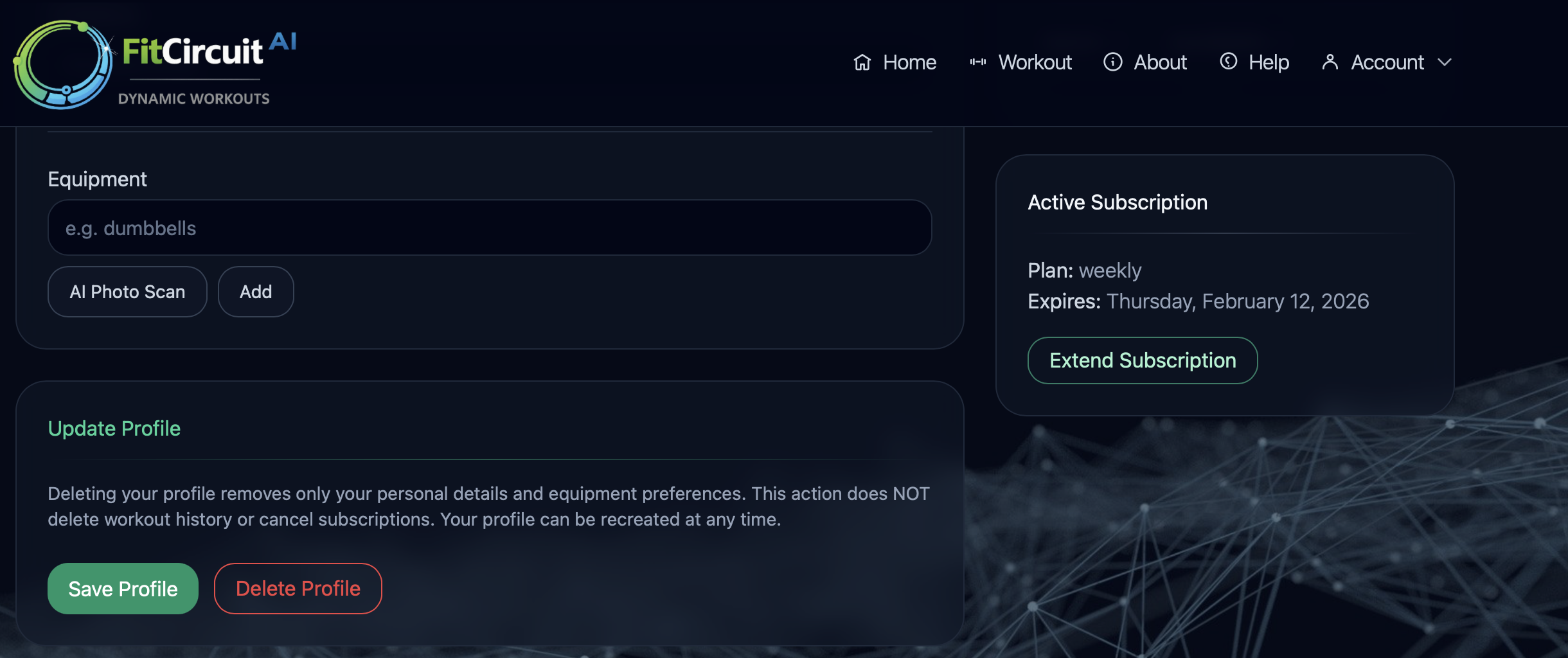
Purchased plans are linked to your email account. If you reinstall the app or switch devices, your Premium access will still be available.
- Make sure you're signed in to the correct FitCircuitAI account.
- Go to Profile page and confirm your subscription exists.
On iPhone, Safari's address bar may reduce usable screen space. For the best experience, we recommend downloading the FitCircuitAI app from the App Store. If you prefer to use Safari, you can still get a more immersive experience by adding FitCircuitAI to your Home Screen:
- Open FitCircuitAI in Safari.
- Tap the Share button.
- Select Add to Home Screen.
- Launch FitCircuitAI from the Home Screen icon.
For Android phones and tablets, install the FitCircuitAI app from Google Play for the best full-screen experience and smoother in-app controls.
- Open Google Play Store.
- Search for FitCircuitAI (or use the download button on this page).
- Install the app and open it.
- Sign in using the same email you use on web or iOS so your account and plan match.
- Open FitCircuitAI in Chrome.
- Tap the menu (⋮).
- Select Add to Home screen.
- Launch FitCircuitAI from the new icon.


- Refresh the page (or close/reopen the app).
- Confirm you are signed in with the correct email.
- Check your internet connection.
- If Premium is locked, go to the Profile page and check your subscription status. If your subscription has expired, tap Subscribe to purchase a new plan.
- If a workout is wrong: update Profile and Workout settings and generate again.
- Workout won't generate: reduce duration → try again → check connection.
- Buttons seem unresponsive: refresh → navigate away and back.
- Premium disappeared: sign in → check subscription status.
- Verification code not working: request a new code and try again.
You can start without it, but your workouts will be safer and more personalized when your profile is complete.
Adjust intensity and duration, update equipment, and generate again. Small changes can have a big impact.
Go to your Profile page and enter Bodyweight as your only equipment. You can still get excellent training without any gear.
Yes. Go to your Profile page, find the completed session, and tap Repeat on any workout you'd like to run again.
Refresh the page once, then go to your Profile and check the email you're signed in with. Log out and sign back in using the email that was used to purchase the plan. You can also try using a different browser or device. If you still need help, please reach out to us and we'll get back to you as quickly as possible.
Yes. Plans are linked to your email account and can be used on any device when you sign in with the same FitCircuitAI login.
No. FitCircuitAI helps structure workouts, but you're responsible for training choices and safety decisions. Consult a professional for medical concerns.